Services - Data & integrations
API integrations
API integrations that simply keep working - even on the day a system slows down, an API changes or the network drops.
Open about our stack
REST & GraphQL webhooks OAuth 2.0 PostgreSQL Python Azure
You know the pattern: orders retyped from webshop into the accounting system, customer records that are slightly different in three places, and an integration built years ago that nobody dares to touch. Every manual in-between step is waiting time - and a chance for errors.
We build API integrations designed for the day something fails: with error handling, retries, queues and monitoring. Simple at the front, complexity solved behind the scenes - as part of our data & integrations services.
- Integrations between ERP, CRM, e-commerce, banks and custom systems
- Error handling with retries and queues - no silent failures
- Monitoring, logging and alerts on every integration
- Real-time or batch - synchronisation that fits the process
- Documentation and handover, so you are never locked in
What you get when we build an API integration
An integration is more than connecting two systems. The real work is in the data mapping: which field belongs where, which system is the source of truth, and what happens to records that don’t validate. Think of orders flowing from your webshop straight into the ERP, bank transactions streaming into your own platform, or field-service hours landing on the invoice without anyone retyping them.
The difference between an integration that survives a demo and one that runs for years is what happens when things break. That is why error handling is standard in everything we build: failed messages go into a queue and are retried automatically, duplicate processing is prevented, and rate limits of external APIs are respected. Every exchange is logged, so you can trace what happened per message - and monitoring raises the alarm before your users notice anything.
Often the integration is the foundation for something bigger. Once data flows reliably, dashboards and reports become the obvious next step. Sometimes a data migration has to come first before systems can be usefully connected. And when a screen is needed too - for customers or colleagues - an integration grows into a web application or portal.
How we approach it
No months of preparation up front: every step delivers something you can steer on.
1 week
Integration scan
We map your systems, APIs and manual in-between steps. What needs to be real-time, what can run in batch, where the risks are. You get a concrete plan, prioritised by impact.
design
Data mapping & failure scenarios
We define which system is the source of truth, how fields map onto each other and what happens when a message fails: queues, retries and alerting are designed before the first line of code.
build & test
Proof on real data
The integration first runs in parallel on real data, without touching your live process. Only when the numbers match and the edge cases are covered does it go live.
ongoing
Monitoring & maintenance
After go-live we keep watching: logging, alerts and periodic checks. When an external API changes, we see it before your users do.
In practice
 Data & integrations
Soli Infratechnik GmbH
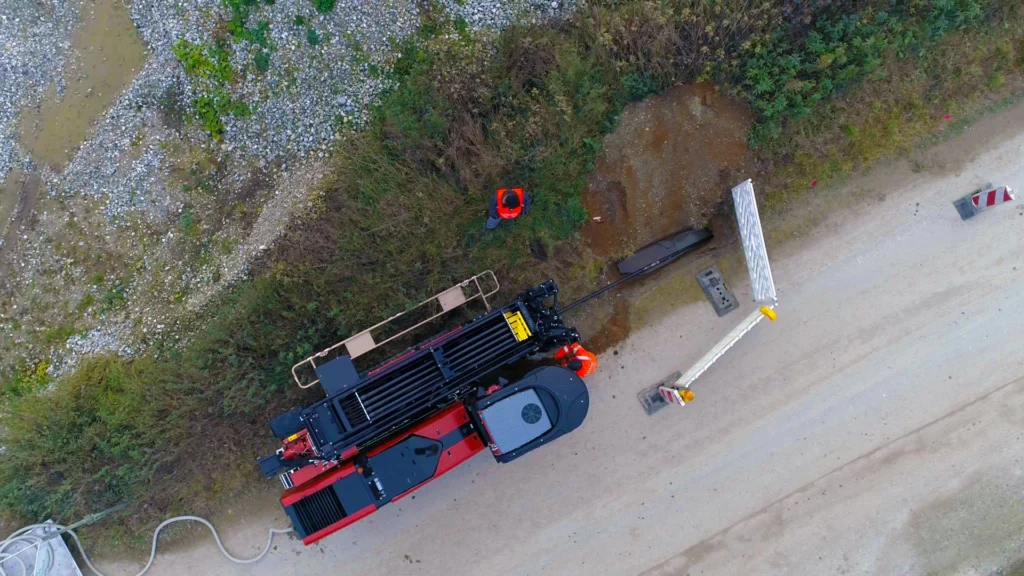
One digital workflow for hundreds of field engineers and subcontractors across Germany - developed continuously for ten years, from first version to business-critical platform.
 Data & integrations
Van Amerongen
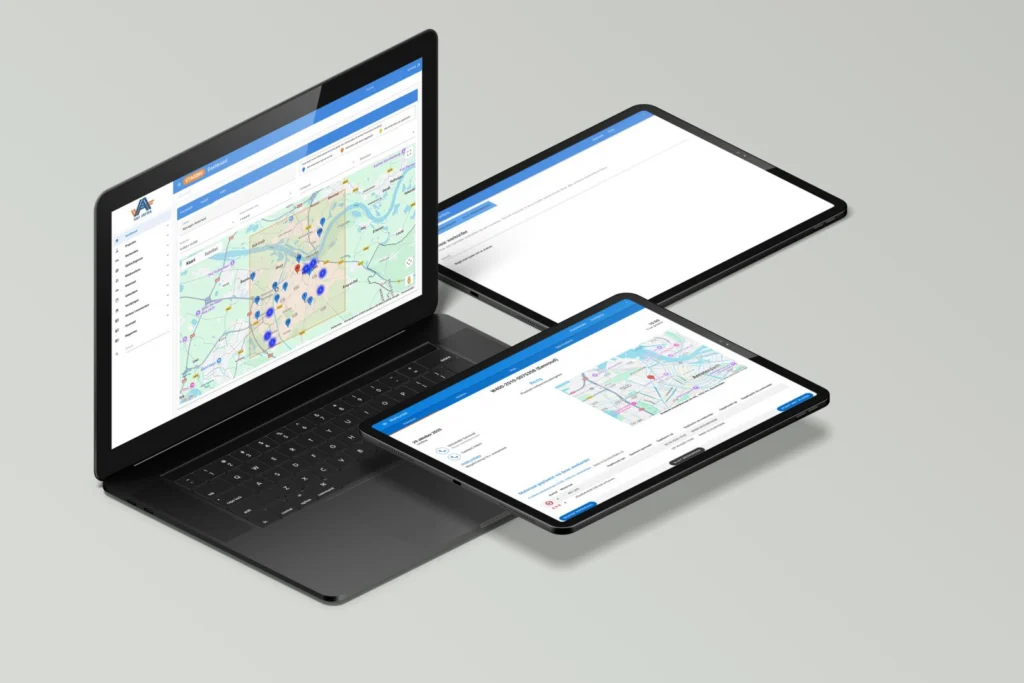
Office and field engineers work in one digital workflow: placed materials and stock are visible in real time per branch, and invoices flow automatically from the work done outside.
For Swishfund we connected three banking platforms - Rabobank Direct Connect, Plaid and Nordigen - to their microservices and client portal, in a collaboration now running for eight years. At Van Amerongen, an API links the office and the field service, so invoices are generated automatically from work in the field. And for Manufacturing in your pocket, MES, ERP and Excel integrations bring factory data together in real-time KPI dashboards.
Frequently asked questions
What you want to know before you start.
What does an API integration cost?
That depends on the number of systems, the quality of their APIs and the reliability requirements. So we work scope-first: we start with an integration scan with a fixed one-week timeline, then build in small, budget-controlled steps. After the first conversation you get a concrete estimate - no surprises afterwards.
Isn’t a no-code tool like Zapier or Make enough?
Sometimes it is - and then that is what we advise. For simple integrations between standard packages at low volumes, no-code is often the fastest route. Custom work pays off with high volumes, complex data mapping, sensitive data, or hard requirements on error handling and logging. We draw that line honestly in the integration scan.
What if a system has no API?
There is almost always a route: connecting directly to the database, automated file exchange, or export options the vendor does offer. Sometimes the honest conclusion is that a data migration to a system that can be integrated is the better investment. We map that out before we build anything.
What happens when the integration fails at night?
For us that is design question number one. Failed messages go into a queue and are retried automatically; nothing gets lost. Monitoring raises an alert when something fails structurally, and the logs show what happened per message. Most incidents are resolved by morning - without manual work.
Who maintains the integration after delivery?
That is something we agree together. Usually the same team that built the integration stays responsible for monitoring and maintenance. The code and documentation are yours, so your own team or another party can take over. You are never locked in - although most clients stay for years.
How long does building an API integration take?
An integration between two systems with decent APIs is usually a matter of weeks, not months. The timeline is mostly determined by the quality of the API documentation and the number of failure scenarios that need to be covered. After the integration scan you know exactly what is realistic for your situation.
Rather get straight to it? Jasper Kums, partner at eenvoud, is happy to think along about which integration solves your challenge - and whether custom work is even needed. Or start with an integration scan.